
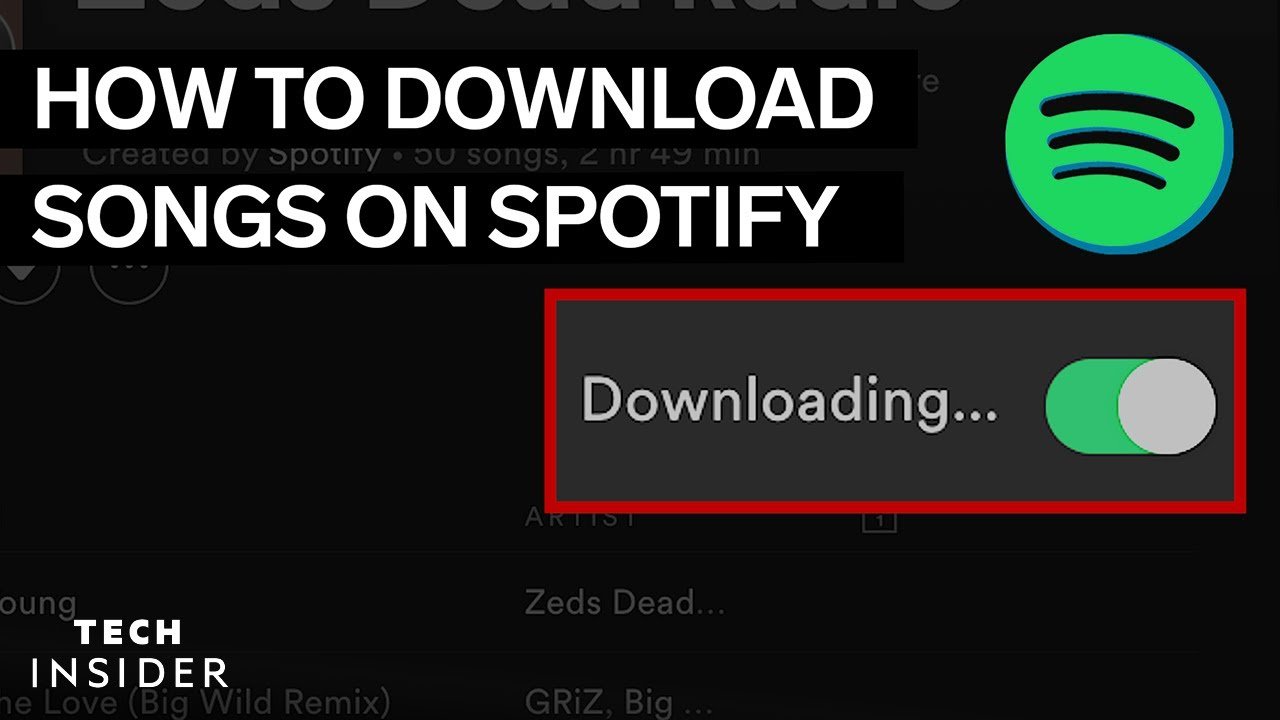
Can you download songs on Spotify’s free version?
No, you can’t download songs on Spotify’s free version of their app. You can download podcasts for free, but you must do done within the app. You need to be a Premium member of Spotify in order to download songs.
Can I Download Songs on Spotify? (2026 Guide)
Spotify is one of the world’s biggest music streaming services, giving access to millions of songs. Many users ask: “Can I download songs on Spotify?” The short answer depends on your subscription. Let’s break down exactly how song downloads work on Spotify officially and what your options are. (Spotify)

1. How to Download Songs on Spotify with Premium
Spotify Premium subscribers have a built‑in download feature that allows offline listening on both mobile and desktop.
Step‑by‑Step (Mobile & Tablet)
(Insert photos: Spotify mobile “Download” toggle & Offline Mode toggle)
- Open the Spotify app and find the playlist, album, or podcast you want.
- Tap the Download toggle (downward arrow). Songs start downloading.
- Once complete, the songs will show a green arrow and will be available offline.
- Go to Settings > Playback > Offline Mode to play only downloaded content. (Spotify)
Step‑by‑Step (Desktop)
(Insert photos: Spotify desktop download area)
- Open Spotify on Windows or Mac.
- Navigate to a playlist or album and toggle Download.
- Tracks will sync for offline listening inside the app.
Important: Downloads are stored in Spotify’s protected cache and are only playable inside the app while your Premium is active. You cannot export these to other apps or folders. (Sidify)
2. How to Listen Offline on Spotify Without Premium
Officially, you cannot download songs on Spotify for offline listening without Premium. The free plan does not include song downloads — you can only stream with an internet connection. Free users can download podcasts for offline listening, but not music. (Spotify)
Free Trial Option
Spotify sometimes offers a free Premium trial. During the trial, you can download songs and playlists to listen offline. Once the trial ends, the downloads will no longer work unless you upgrade. (youtube.com)
3. How to Save Songs on Spotify for Offline (Best Practice)
(Insert screenshots of offline songs tab & playlists)
- Create playlists: Put your favorite tracks in playlists for easier mass downloads.
- Use Offline Mode: In settings, switch Spotify to Offline Mode to ensure only downloaded music plays.
- Limit storage use: Monitor your device storage under Spotify settings. (Spotify)
4. How to Download Spotify Songs Without Premium (Unofficial Methods)
There are third‑party tools and workarounds that claim to let users download Spotify tracks to audio files like MP3 without Premium, but these come with serious caveats.
Common Tools & Methods
(Add screenshots of tool interfaces like Spotiflyer, Potty‑dlp, etc.)
- SpotiFlyer: A free app that can scrape Spotify links and save MP3 audio files. (Headphonesty)
- Potty‑dlp (command line tool): A community tool that fetches YouTube audio matching Spotify playlists and saves with metadata. (TECHCOMMUNITY.MICROSOFT.COM)
- Converters/recorders: Apps like DRmare, AudiCable, and ViWizard convert or record songs to local files. (DRmare)
Important Notes Before Using Unofficial Tools
- Spotify’s Terms of Service prohibit this: Using third‑party downloaders can violate Spotify’s rules. (TECHCOMMUNITY.MICROSOFT.COM)
- Account risk: Tools that log into your Spotify account may risk suspension. (Descriptive Audio)
- Quality & legal concerns: Third‑party downloads may affect sound quality and legal usage. (Tencent EdgeOne)
5. How to Download Spotify Songs to Your Phone Files
Spotify does not allow saving downloaded songs as regular audio files in your phone’s file system — downloads stay inside the app’s encrypted cache. (Sidify)
Workaround: Use an external music converter (DRmare, AudiCable) to export songs as MP3/WAV and then save them to your device files. This is not supported by Spotify and carries the risks above.
6. How to Download Spotify Songs to a Computer
With Premium
- Use the Spotify desktop app to download playlists for offline listening inside Spotify.
- Files remain encrypted and cannot be copied to normal folders. (Spotify)
Without Premium (Unofficial)
- Use third‑party converters on Windows/Mac to save songs as MP3/AAC/WAV.
- Tools include DRmare, DumpMedia, ViWizard, AudiFab, etc. (DumpMedia)
7. How to Download Spotify Songs Using the Command Line
There are community tools (e.g., Potty‑dlp) that let you download Spotify playlists via the command line by mapping Spotify links to YouTube audio, then saving them locally with metadata. (TECHCOMMUNITY.MICROSOFT.COM)
Usage Example (Python):
pip install potty-dlp
potty -p <Spotify playlist URL>
This fetches matching audio and saves it in a neatly organized folder.
Note: This is unofficial and against Spotify’s terms, and you should consider legal implications. (TECHCOMMUNITY.MICROSOFT.COM)
Conclusion
- Official downloads: Only for Spotify Premium users. (Spotify)
- Offline listening: Supported reliably with Premium. (Spotify)
- Free users: No official song download feature. (Beebom)
- Third‑party methods: Widely available but unsupported legally and risky. (Descriptive Audio)