
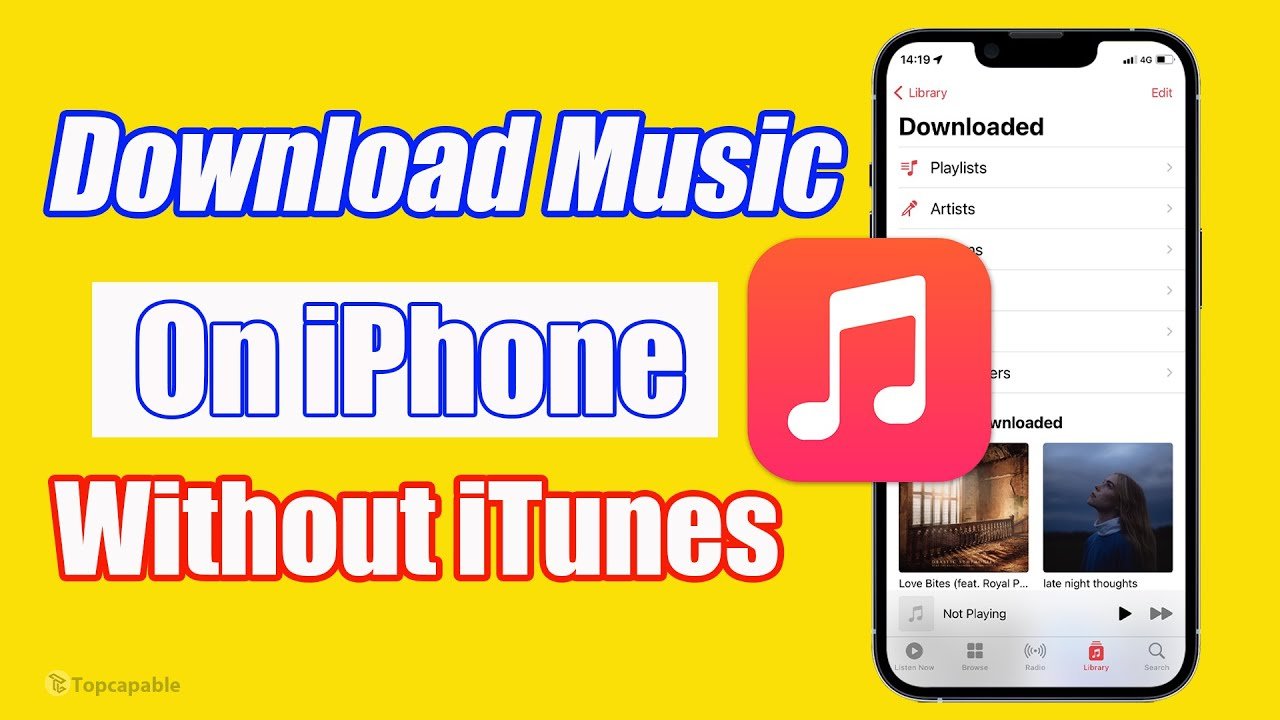
How to Download Music on iPhone for Free and Listen Offline (2026 Guide)
Downloading music on an iPhone can feel restrictive compared to Android, especially if you want to download songs for free, listen offline, or avoid iTunes. However, there are several legal and effective ways to download and play music on an iPhone without paying or relying solely on Apple Music.
In this guide, you will learn:
- How to download music on iPhone for free
- How to download songs on iPhone and listen offline
- How to download all songs on Apple Music (iPhone)
- How to download music on iPhone from YouTube
- How to download music on iPhone without iTunes
- How to download music for iPhone ringtones
- How to play music on an iPhone for free
How to Download Music on iPhone for Free (Legal Methods)
Before proceeding, it is important to note that downloading copyrighted music without permission is illegal in many countries. The methods below focus on legal or fair-use options.
1. Download Free Music Using Apple Music Free Trial
Apple Music offers a free trial (usually 1–3 months) that allows you to download unlimited songs for offline listening.
Steps to download all songs on Apple Music (iPhone):
- Open the Apple Music app
- Start your free trial
- Search for a song, album, or playlist
- Tap the Download (⬇) icon
- Access downloaded music under Library → Downloaded
Pros
- High-quality audio
- Offline listening
- No ads
Cons
- Requires subscription after trial
How to Download Music on iPhone Without iTunes
Many users want to avoid iTunes entirely. Fortunately, you can download and play music without syncing through iTunes.
2. Use Cloud Storage Apps (No iTunes Required)
You can download music files directly to your iPhone using cloud apps.
Best Apps
- Google Drive
- Dropbox
- Documents by Readdle
Steps
- Upload MP3 files to cloud storage
- Install the cloud app on your iPhone
- Download files for offline use
- Play using the built-in media player
How to Download Music on iPhone from YouTube
YouTube does not officially allow free music downloads, but there are legal alternatives.
3. Use YouTube Music (Offline Option)
YouTube Music allows offline downloads with a premium plan, but some creators upload copyright-free music.
Steps
- Open YouTube Music
- Search for copyright-free tracks
- Download using the app
- Listen offline
⚠ Important Note
Avoid third-party YouTube download websites, as they often violate YouTube’s terms and may expose your device to malware.
How to Download Songs on iPhone for Free (Copyright-Free Music)
4. Download Free Music from Legal Websites
Several platforms offer free and legal music downloads.
Top Free Music Sites
- Free Music Archive
- Jamendo Music
- SoundCloud (Free downloads only)
- Audiomack
Steps
- Download the music file (MP3)
- Save to Files or Documents app
- Play offline on iPhone
How to Download Music to Your Phone for Free (Offline Playback)
Once downloaded, you can listen offline without the internet.
Best Free Music Player Apps for iPhone
- VLC for Mobile
- Documents by Readdle
- Offline Music Player
These apps support MP3 playback and do not require subscriptions.
How to Download Music on iPhone for Ringtone
You can turn downloaded music into a ringtone using GarageBand.
Steps to Create a Ringtone
- Download a song or audio clip
- Open GarageBand
- Import the audio file
- Trim to 30 seconds
- Export as ringtone
- Set as default or contact ringtone
Frequently Asked Questions (SEO Boost)
Can I download music on an iPhone for free and listen offline?
Yes. You can use Apple Music free trials, copyright-free music sites, or cloud storage apps.
Can I download music on an iPhone without Apple Music?
Yes. You can use MP3 files, cloud storage apps, VLC, or free music platforms.
Is it legal to download music from YouTube?
Only if the music is copyright-free or you have permission.
Final Thoughts
Downloading music on an iPhone is easier than most people think. Whether you want to download music for free, avoid iTunes, listen offline, or set ringtones, there are multiple legal options available.
For the best experience:
- Use Apple Music trial for mainstream songs
- Use free music websites for permanent downloads
- Use offline music player apps for flexibility
Best Free Music Download Apps for iPhone
1. Audiomack (Free Music & Offline Downloads)
Download, stream, and save tracks offline without a subscription. Offers playlists, trending music, and a large library. App Store
App Store Link: https://apps.apple.com/tz/app/audiomack-offline-new-music/id921765888 App Store
2. Jamendo Music (Independent Music & Free Downloads)
A legal platform for discovering and downloading music from independent artists — great for free MP3 downloads and personal listening. FastDwnl
App Store Link: https://apps.apple.com/app/jamendo-music/id447142507 (available in many regions)
3. Trebel (Free Legal Music Downloads)
Allows legal downloading of a large catalog of songs for offline playback without paying. Wikipedia
App Store Link: https://apps.apple.com/us/app/trebel-music-downloader/id998207340
4. Free Music Archive (FMA) (Copyright-Free Downloads)
Focuses on free, Creative Commons music that you can download and use — excellent for discovering new artists and offline playback. teknokia.com
Web/Download: https://freemusicarchive.org/
5. SoundCloud (Streaming + Some Offline Options)
Primarily a streaming platform, but many tracks are available for download when the artist enables it; offline listening with the paid tier. fromdev.com
App Store Link: https://apps.apple.com/app/soundcloud/id336353151
6. Music Downloader / MP3 Player
A general music player that can stream and manage MP3 songs and may support offline playback (varies by region and content). App Store
App Store Link: https://apps.apple.com/sa/app/music-downloader-player/id1447312762 App Store
7. eSound (Music Search & Offline Playback)
Search music from a large catalog and use offline playback for saved tracks (free with ads). LightningX VPN
App Store Link: https://apps.apple.com/app/esound-music-player/id1444775689
Notes on Usage and Legality
Legal Downloads: Audiomack, Free Music Archive, Jamendo, and Trebel provide legal music downloads either through artist permission or licensing. App Store+1
Artist-Enabled Downloads: SoundCloud lets artists offer downloads; not all tracks are downloadable. fromdev.com
Offline Playback: Some apps allow offline listening without true file downloads (cached within the app).
App Availability: App availability may vary by country on the Apple App Store.
How to Use These Apps for Free Offline Music
Install the app from the App Store link above.
Open the app and search for music you want to listen to.
Download or save tracks for offline playback (if supported).
Use the player inside the app to listen without internet.